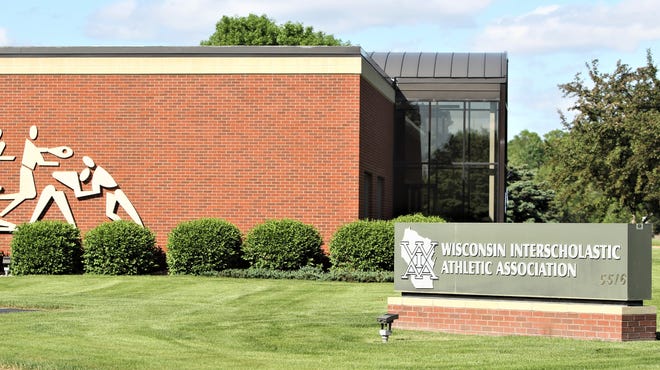
 Readers weigh in on the WIAA's NIL proposal
 Wisconsin high school athletes may soon be allowed to get NIL money. Here's what to know.
 Sal's Pizza has opened a new location in Sussex
 14 Milwaukee-area winter sports teams bumped up a division by WIAA
  This Catholic parish in Lake Country just dedicated its new churchSee images of the new St. Charles church in Hartland
 Oconomowoc softball vs. Arrowhead
 Brookfield Elementary School deemed safe by police after evacuation
 Brookfield Conference Center gets ARPA funds, mayor's vote breaks tie
 Brookfield Central softball vs. Menomonee Falls
 Man dies after he was struck by garbage truck in Burlington
 Women campaign on abortion for Biden in Republican Waukesha County
 Whitefish Bay leads area girls soccer rankings; King is team of week
 Who is the Milwaukee-area high school Leafguard Athlete of the Week?
 Kenosha Bradford is No. 1 in first area softball rankings this season
 Oak Creek debuts atop area baseball rankings; Arrowhead is team of week
 Arrowhead girls soccer at Pewaukee
 UW-La Crosse student from Hales Corners runs her own baking business
 Poll: Help us choose the Journal Sentinel's Student of the Week
 Germantown baseball vs. Menomonee Falls
 This suburban golf course looks to expand, add more golf simulators
 Nine Milwaukee-area high school baseball players to watch this season
 Here are 10 of the top area softball players to watch this season
 Judge denies Slender Man defendant's petition for conditional release
 Wisconsin firefighters have another big comeback on 'Amazing Race'